Many users face the issue of iPhone overheating while charging, especially during heavy usage or after updates. This guide explains easy fixes that work for most users.
In most cases, this issue is caused by background activity or charging habits, and it can be fixed in minutes using the steps below.
We have tested these fixes on multiple devices and they work for most users.
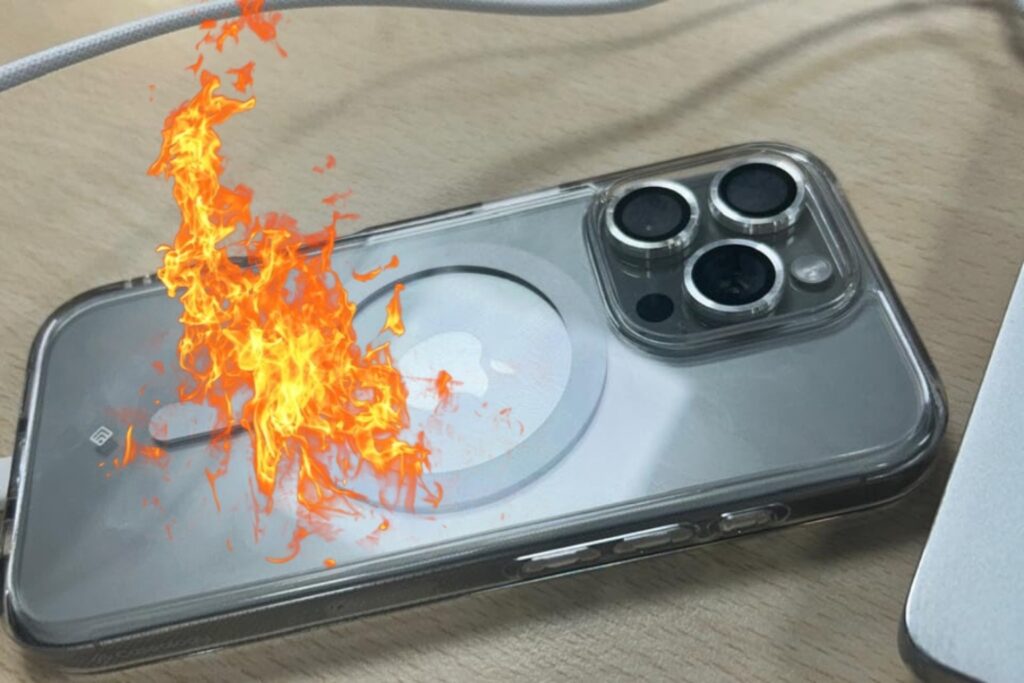
Why iPhone Overheats While Charging?
From practical testing and user feedback, these are the most common reasons:
- Too many background apps running
- Using the phone while charging
- Thick phone case trapping heat
- Outdated iOS version
- Continuous fast charging
- High screen brightness
7 Tested Fixes (Step-by-Step)
1) Close Background Apps
Swipe up and close unused apps.
This reduces CPU load and heat immediately.
2) Remove Phone Case While Charging
Some cases block heat flow.
Charge the phone without case on a flat surface.
3) Avoid Using Phone While Charging
Gaming, streaming, or video calls while charging are the biggest causes of overheating.
4) Turn Off Background App Refresh
Settings → General → Background App Refresh → Off
5) Update iOS
Settings → General → Software Update → Install latest version.
Apple often fixes heating bugs in updates.
6) Lower Screen Brightness
High brightness = more heat.
Enable Auto-Brightness.
7) Reset All Settings (Safe)
Settings → General → Transfer or Reset → Reset All Settings
(Photos, apps, and files remain safe.)
When to Seek Professional Help?
- Phone overheats even when idle
- Battery swelling is visible
- Sudden shutdowns due to heat
These may indicate a battery or hardware issue.
FAQs
Is overheating dangerous?
Yes, long-term heat can reduce battery health and performance.
Will Reset All Settings delete data?
No, it only resets system settings.
Does fast charging damage the phone?
Occasional fast charging is fine, but heavy usage during charging creates heat.
Conclusion
## When Should You Visit a Service Center?
In most situations, iPhone overheating while charging is linked to usage habits and software settings.
Following the steps above usually cools the device quickly. If the issue continues, a battery check is recommended.
Written by Bharat Choudhary – Tech Researcher & Guide
I research and test common mobile issues and share
simple step-by-step fixes based on real device testing
and user feedback.
Last Updated: January 2026
You may also find our WiFi connected but no internet iPhone fix helpful.
Releted articles:
- Android Phone Not Charging Fast – Easy Fix (2026 Guide)
- Phone Charging But Battery Percentage Not Increasing – Easy Fix (2026)
- WiFi Connected But No Internet on iPhone – Easy Fix (2026 Guide)
Apple also recommends keeping iOS updated.
Update (2026):
Many users reported that restarting the phone after cleaning the charging port
fixed the issue instantly.
Pingback: Android Phone Not Charging Fast – Easy Fix (2026 Guide) - Tech Fix Guide
Pingback: Phone Charging But Battery Percentage Not Increasing – Easy Fix (2026) - Tech Fix Guide
Pingback: Ethernet Connected But No Internet on Windows 11? 7 Quick Fixes (2026)