Many Android users face a common problem where the phone does not charge fast, even when using the original charger.
From real experience, this issue usually happens due to charging habits, cable problems, or background usage.
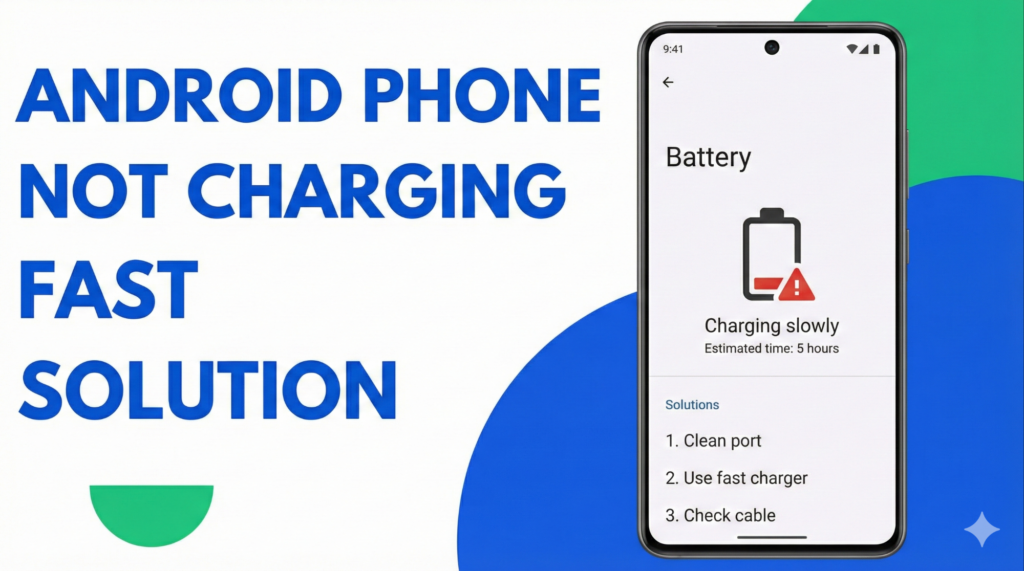
Why Is My Android Phone Not Charging Fast?
Below are simple and tested fixes that work for most Android phones.
Why Is My Android Phone Not Charging Fast?
Based on real troubleshooting and user feedback, these are the most common reasons:
– Damaged or low-quality charging cable
– Dust or dirt inside the charging port
– Using the phone while charging
– Background apps consuming power
– Fast charging turned off
– Outdated software version
8 Easy Fixes to Charge Android Phone Faster
1. Check Charging Cable and Adapter
A faulty cable is the most common reason for slow charging.
Use the original or certified charger.
If the cable feels loose or old, replace it.
2. Clean the Charging Port
Dust inside the charging port blocks proper power flow.
Turn off the phone and gently clean the port using a toothpick or soft brush.
Do not use metal objects.
3. Avoid Using Phone While Charging
Gaming, video streaming, or video calls slow down charging speed.
Let the phone rest while charging for better results.
4. Turn ON Fast Charging
Many users forget to enable this option.
Go to:
Settings → Battery → Charging
Turn ON Fast Charging / Super Fast Charging.
5. Close Background Apps
Apps running in the background consume battery power.
Close unused apps and restart the phone once.
This often improves charging speed instantly.
6. Use Airplane Mode (Quick Trick)
Airplane mode reduces power usage.
Turn ON Airplane Mode and charge the phone for 20–30 minutes.
Turn it OFF after charging.
7. Update Android Software
Old software can cause charging issues.
Go to:
Settings → Software Update → Install latest version.
Manufacturers often fix battery and charging bugs through updates.
8. Check Battery Health
If your phone is old, the battery may be worn out.
Common signs include:
– Phone heats up while charging
– Battery drains quickly
– Charging stops randomly
In such cases, battery replacement is recommended.
How to Check If Your Charging Cable Is Original or Fake?
- Original cable heavy feel
- Brand logo
- Fast charging support
- Cheap cable slow power delivery
When Should You Visit a Service Center?
– Phone does not charge even with a new charger
– Charging port feels loose
– Phone overheats while charging
These signs usually indicate a hardware issue.
FAQs
Does charging overnight damage the battery?
Modern smartphones automatically stop charging at 100%.
However, excessive heat and cheap chargers can reduce battery health over time.
Can a software update improve charging speed?
Yes, many charging-related bugs are fixed through updates.
Does fast charging damage the battery?
Occasional fast charging is safe, but continuous heavy usage can affect battery health.
Why is my Android phone charging slowly suddenly?
This usually happens due to a damaged cable, dirty charging port, or background apps.
Conclusion
In most cases, slow charging on Android phones is caused by simple issues like cable problems, dirty ports, or usage habits.
I’ve seen these fixes work for many users.
If the problem still continues, getting the battery or charging port checked is the best option.
Written by Bharat Choudhary– Tech Researcher & Guide
I research and test common mobile problems and share simple step-by-step solutions based on real user experience.
Read also
WiFi Connected But No Internet on iPhone – Easy Fix (2026 Guide)
iPhone Overheating While Charging – Easy Fix (2026 Guide)
– phone charging but battery percentage not increasingphone charging but battery percentage not increasing easy fix
Last Updated: January 2026
Pingback: Phone Charging But Battery Percentage Not Increasing – Easy Fix (2026) - Tech Fix Guide
Pingback: iPhone Overheating While Charging – Easy Fix (2026 Guide) - Tech Fix Guide